suggested amounts and the keypad
use the stuffing keypad
Section titled “use the stuffing keypad”When you start a new budget, tap an envelope on stuff your budget to open the keypad. You type the envelope’s new balance, and the row shows the change.
type an amount
Section titled “type an amount”The keypad fills the cents first: type 5, 0, 0 for $5.00. The first digit you type replaces the envelope’s balance. If you already changed this envelope, new digits go on the end: tap empty first to start again.
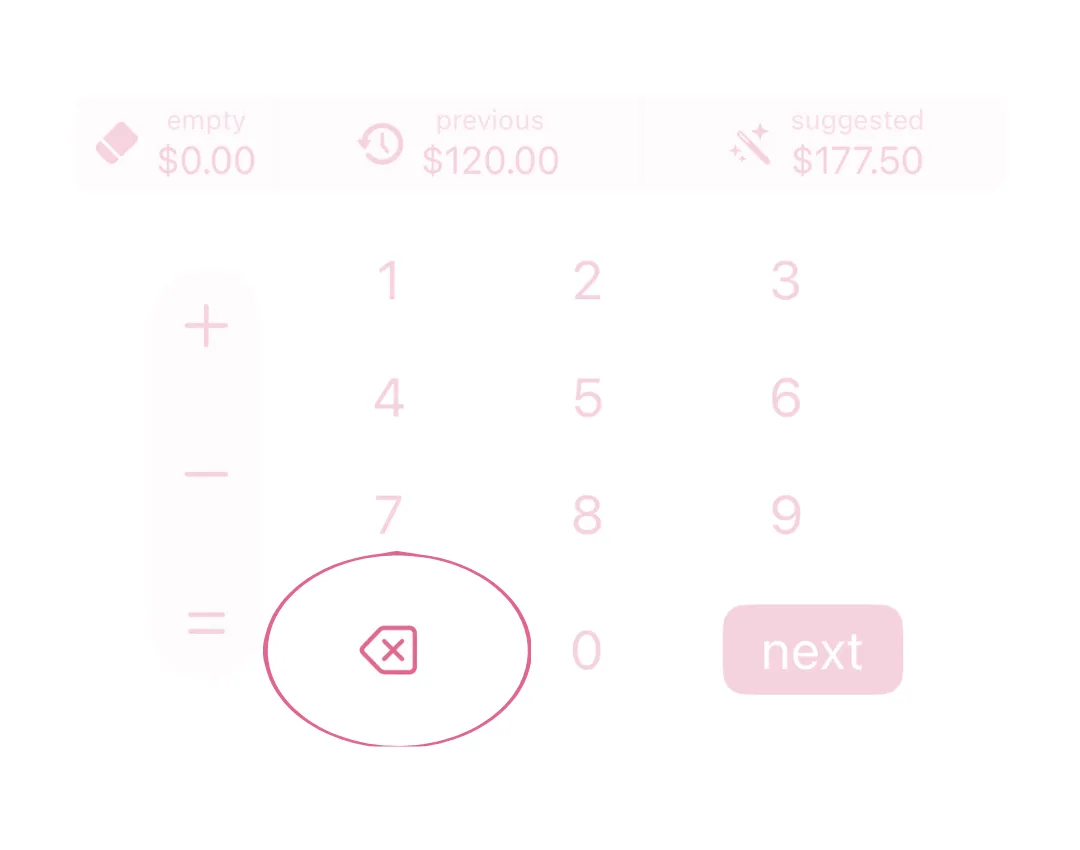
⌫ removes the last digit. When you remove them all, the envelope goes back to the balance it started with.
empty, previous and suggested
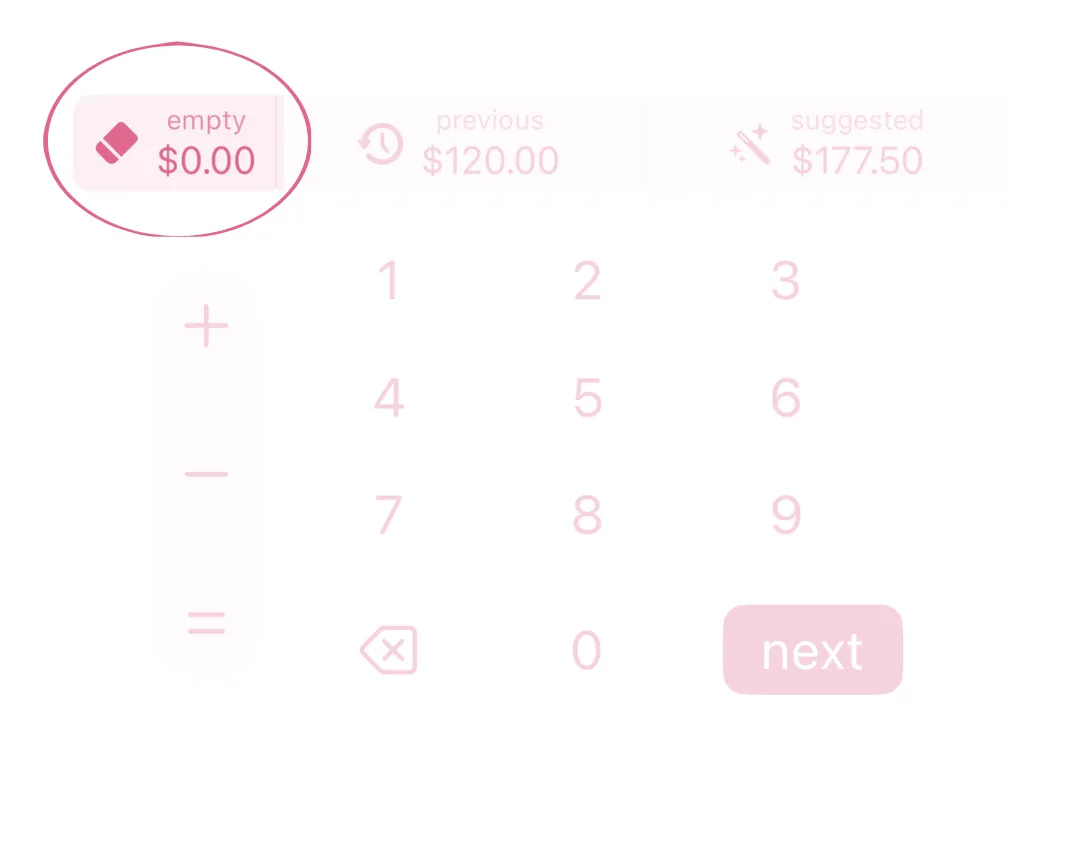
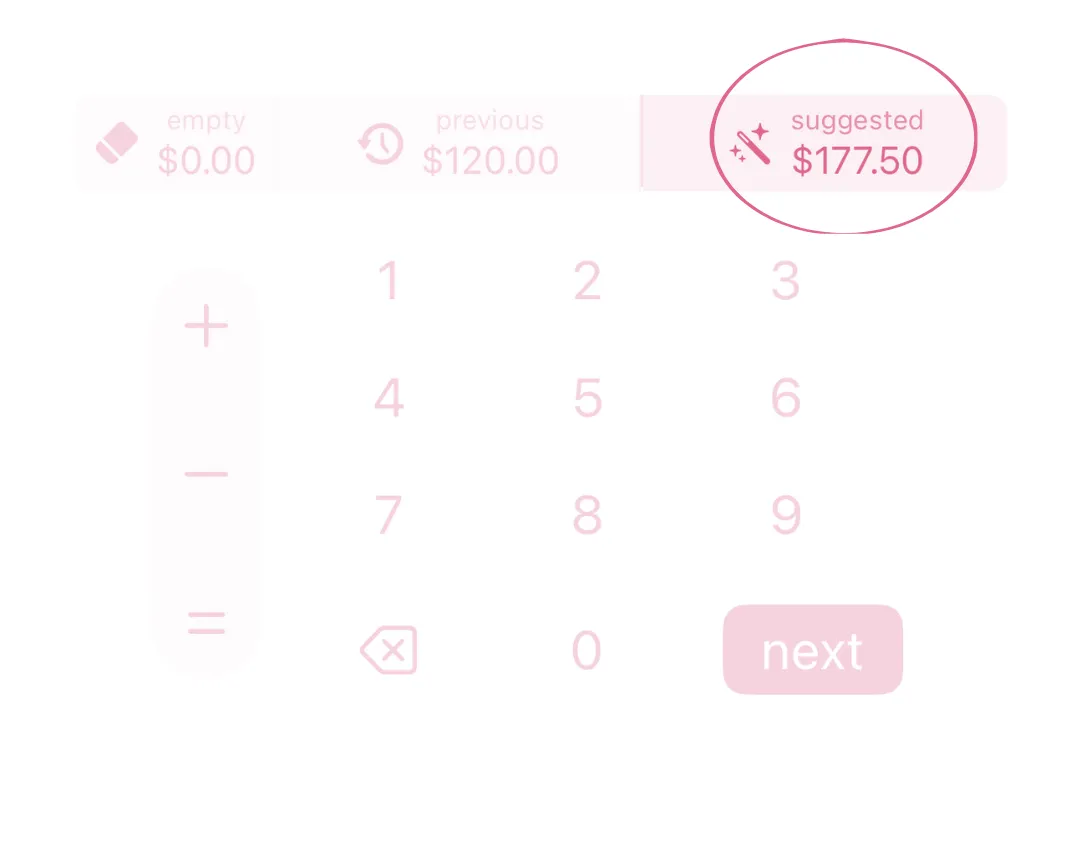
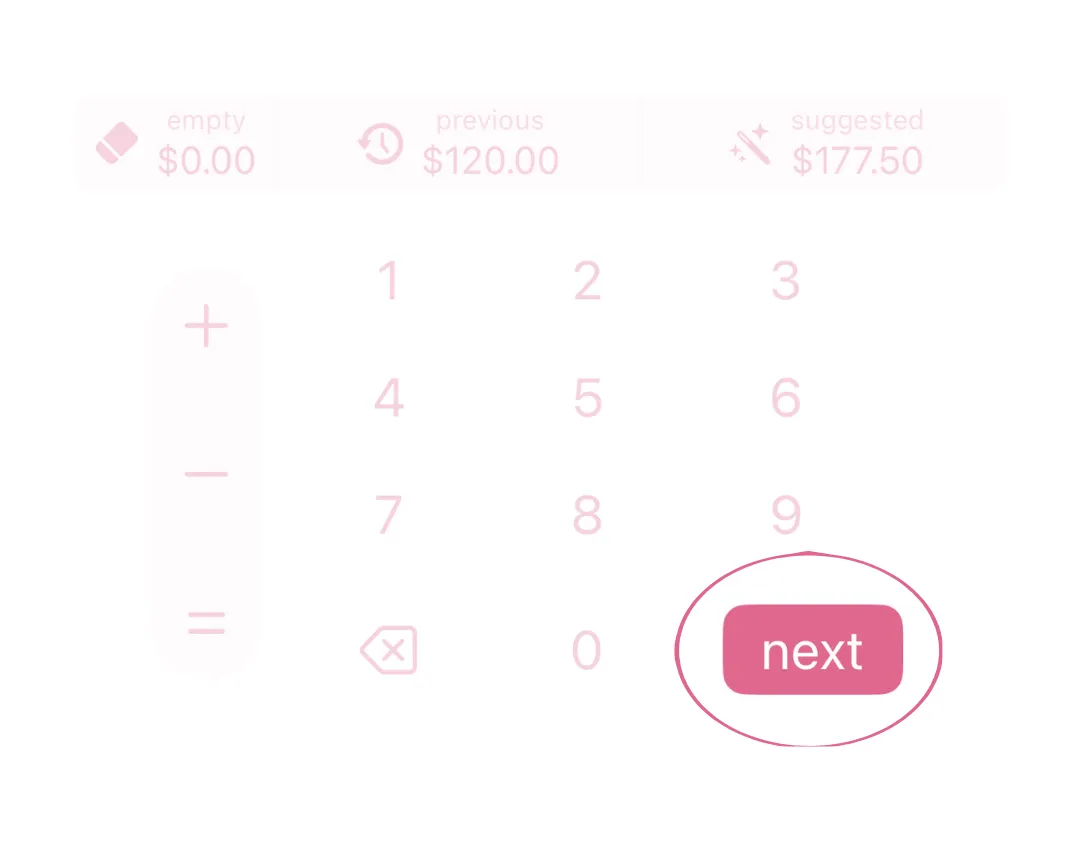
Section titled “empty, previous and suggested”The three keys above the numbers each show an amount. Tap one that isn’t greyed out to use it.
- empty sets the envelope to $0.00. Its money goes back to remaining.
- previous sets the envelope to the balance it had after you last stuffed it, counting any money you moved in or out since. Then the keypad moves to the next envelope.
- suggested sets the envelope to the app’s suggested balance. Then the keypad moves to the next envelope. See how suggested amounts work.
add or take away
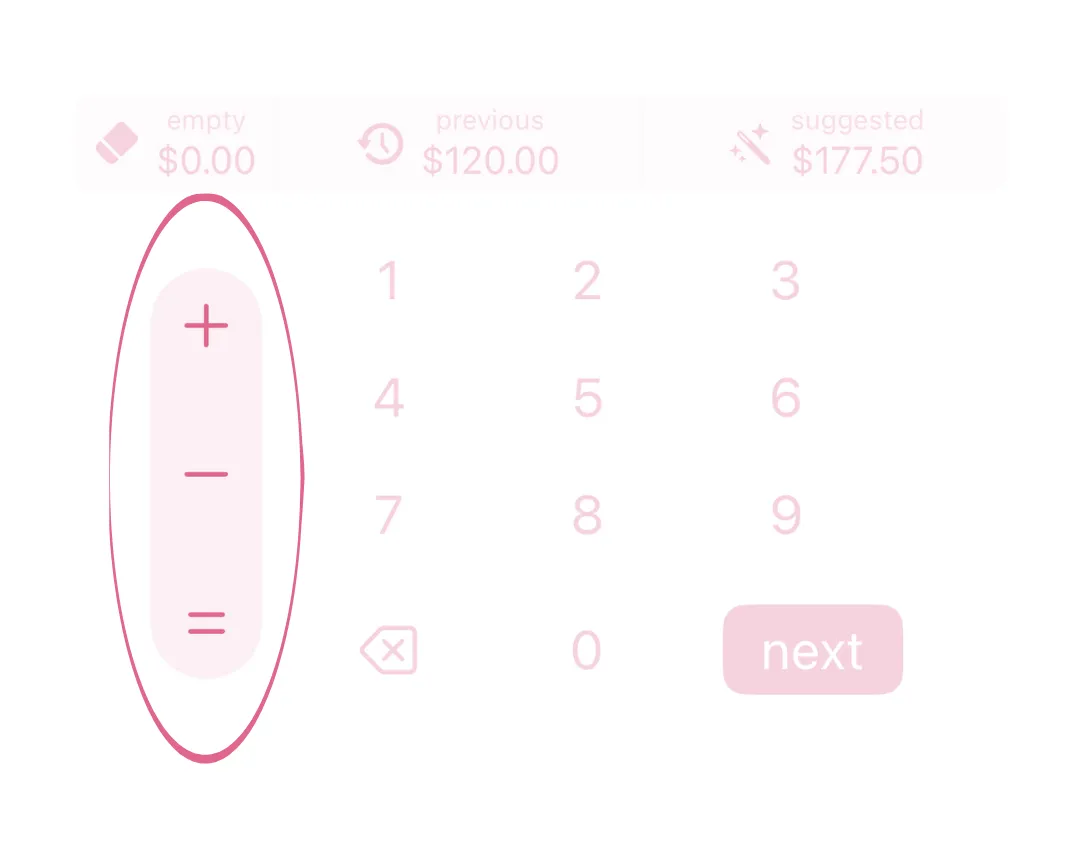
Section titled “add or take away”To change a balance without working it out yourself, tap + or − and type the amount. The row shows the result as you type. Tap = or next to use it. − stops at $0.00.
go to the next envelope
Section titled “go to the next envelope”next keeps what you typed and moves to the next envelope. After the last envelope, the keypad closes. When remaining reaches $0.00, continue shows above the keypad.
how suggested amounts work
Section titled “how suggested amounts work”A suggestion is a new balance for the envelope, not an amount to add. It can be lower than the balance now, which takes money out. It’s only a guide: type any amount you want.
- Variable envelope: what you spent from it in the last 90 days, scaled to the length of your new budget. If you spent $90 in 90 days and your new budget is 30 days long, the suggestion is $30.00.
- Fixed envelope: enough to pay its bills on time. If bills are due during the new budget, it’s enough for all of them. If not, it’s your balance now plus an even share of what the next bill still needs, over the budgets until it’s due. Without a payment schedule, the suggestion is the balance it has now.
- Savings envelope: your balance now plus an even share of what your goal still needs, over the budgets until your goal deadline. The envelope needs a goal amount and a goal deadline.
When there’s no suggestion, the key is greyed out. It shows $0.00, or says why:
- no goal set: the savings envelope has no goal amount.
- no deadline: the savings envelope has a goal but no deadline.
- goal hit!: the envelope already holds its goal.
- unavailable: suggestions are still loading, or we couldn’t get them.
Suggestions use the dates on budget timing. If you change the dates, the suggestions change too.
Checked against the app on .
did this page help?
still stuck? a real person answers.
Email us and someone from the team replies. From the app, go to settings thencontact support: it adds your user ID, so we can help faster.

