an envelope went over. now what?
An overspent envelope has a balance below zero. Move money into it from an envelope with money available to cover the difference.
For example, if groceries had $50 and you recorded a $70 purchase, it is $20 over. Moving $20 from another envelope brings groceries back to zero. The other envelope has $20 less.
cover the difference
Section titled “cover the difference”- On envelopes, find the envelope marked spent more than was stuffed.
- Tap move money below it.
- Tap from envelope.
- Choose the envelope you want to take the money from.
- Check the transfer amount.
- Tap add transaction.
The app fills in the overspent envelope as the destination. It also fills in the amount needed to bring it back to zero. You can change either before saving.
Check what will remain in the envelope you take money from before saving. If you take more than it holds, that envelope goes below zero too. You can reduce the amount and cover the rest from another envelope.
what you’ll see
Section titled “what you’ll see”The app shows money moved. The envelope you took money from goes down. The envelope you moved it into goes up. The total money in your budget stays the same.
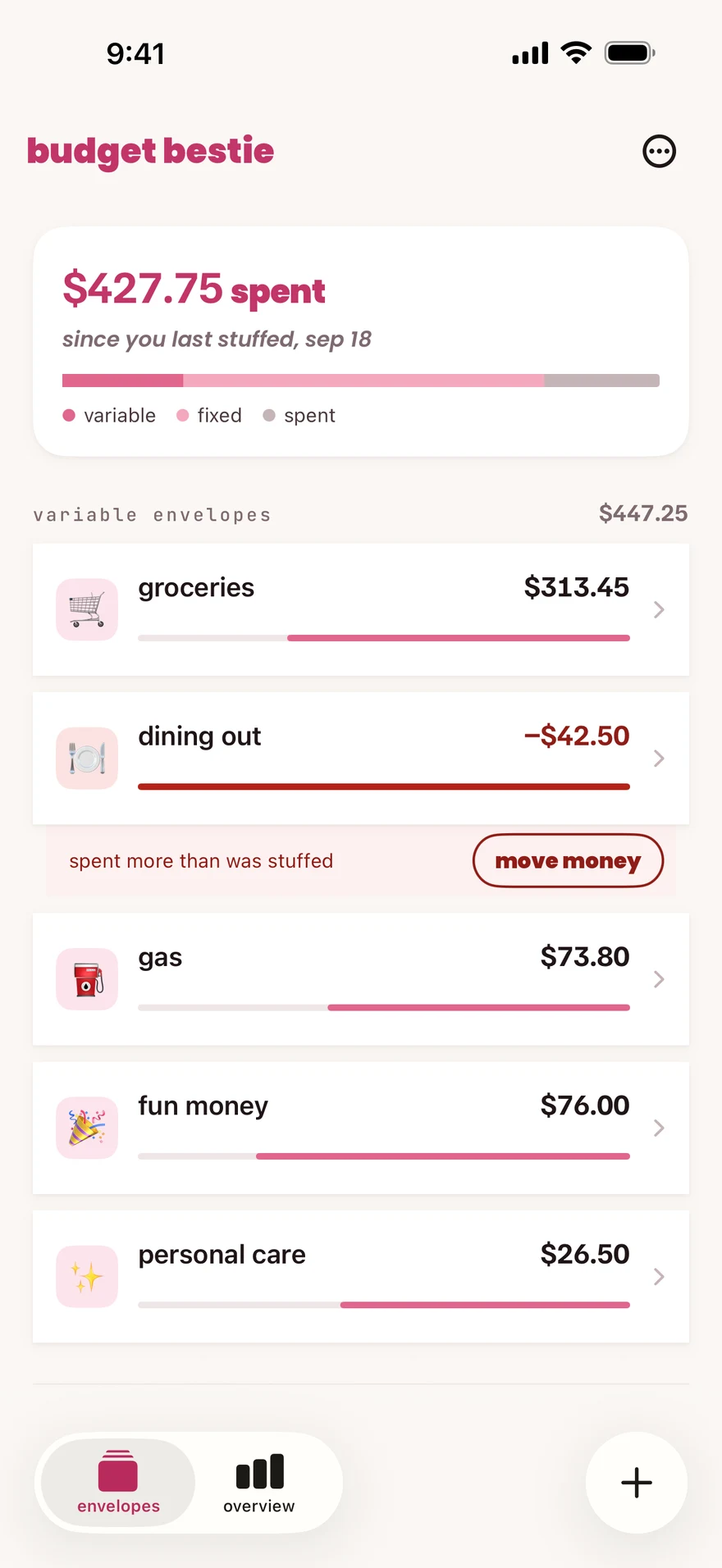
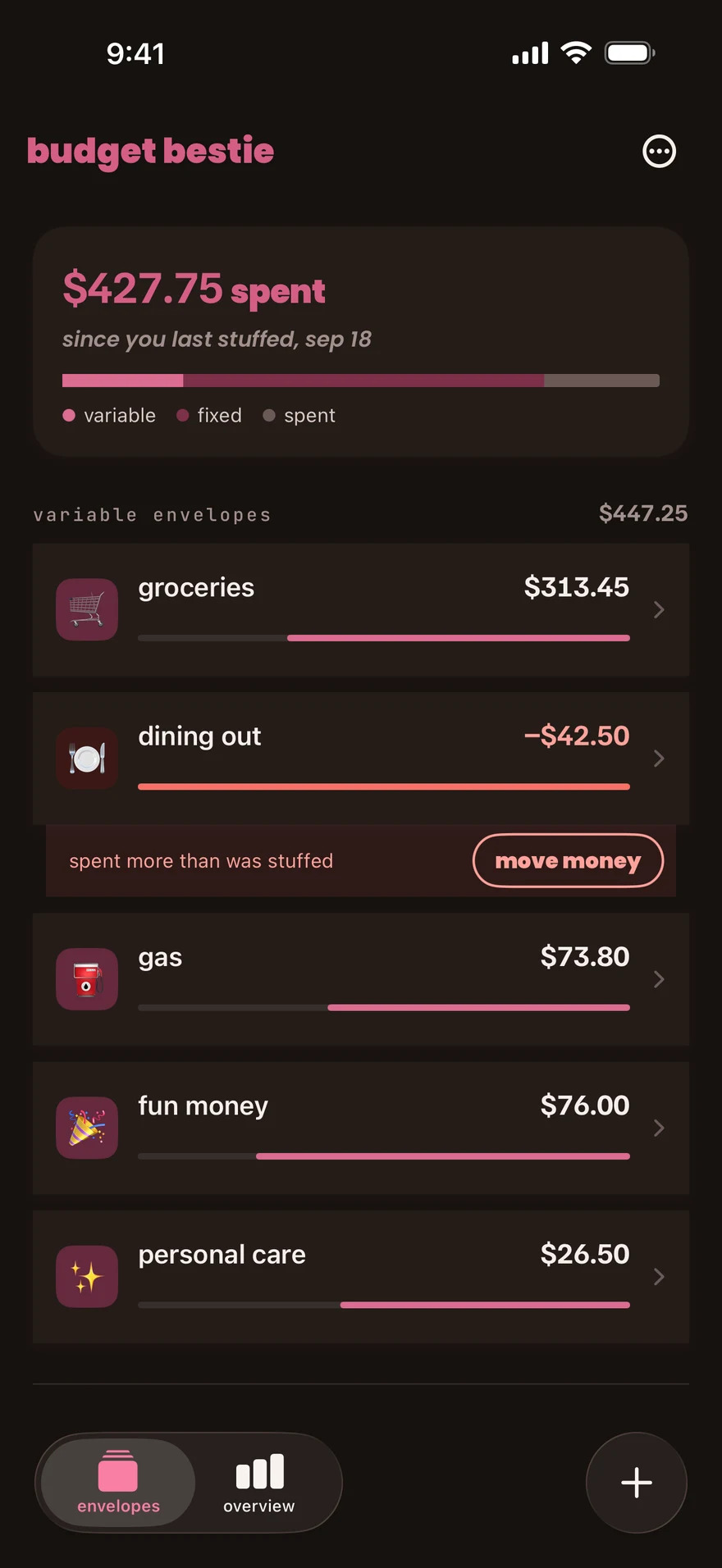
You can also open an overspent envelope and use move money on its balance card.
if there is no money to move
Section titled “if there is no money to move”The app keeps the expense and the negative balance. Starting another budget does not clear it. When you next add money to this envelope, that money covers the negative balance first.
If the expense itself is wrong, edit it instead of moving money to cover an error.
next step
Section titled “next step”Read the envelope’s balance and transactions to check the result.
Checked against the app on .
did this page help?
still stuck? a real person answers.
Email us and someone from the team replies. From the app, go to settings thencontact support: it adds your user ID, so we can help faster.

