confirm an upcoming bill
record a bill you paid
Section titled “record a bill you paid”A fixed envelope with a payment schedule adds its bills to your upcoming list. Upcoming bills don’t leave your envelopes until you record them.
- Tap the overview tab.
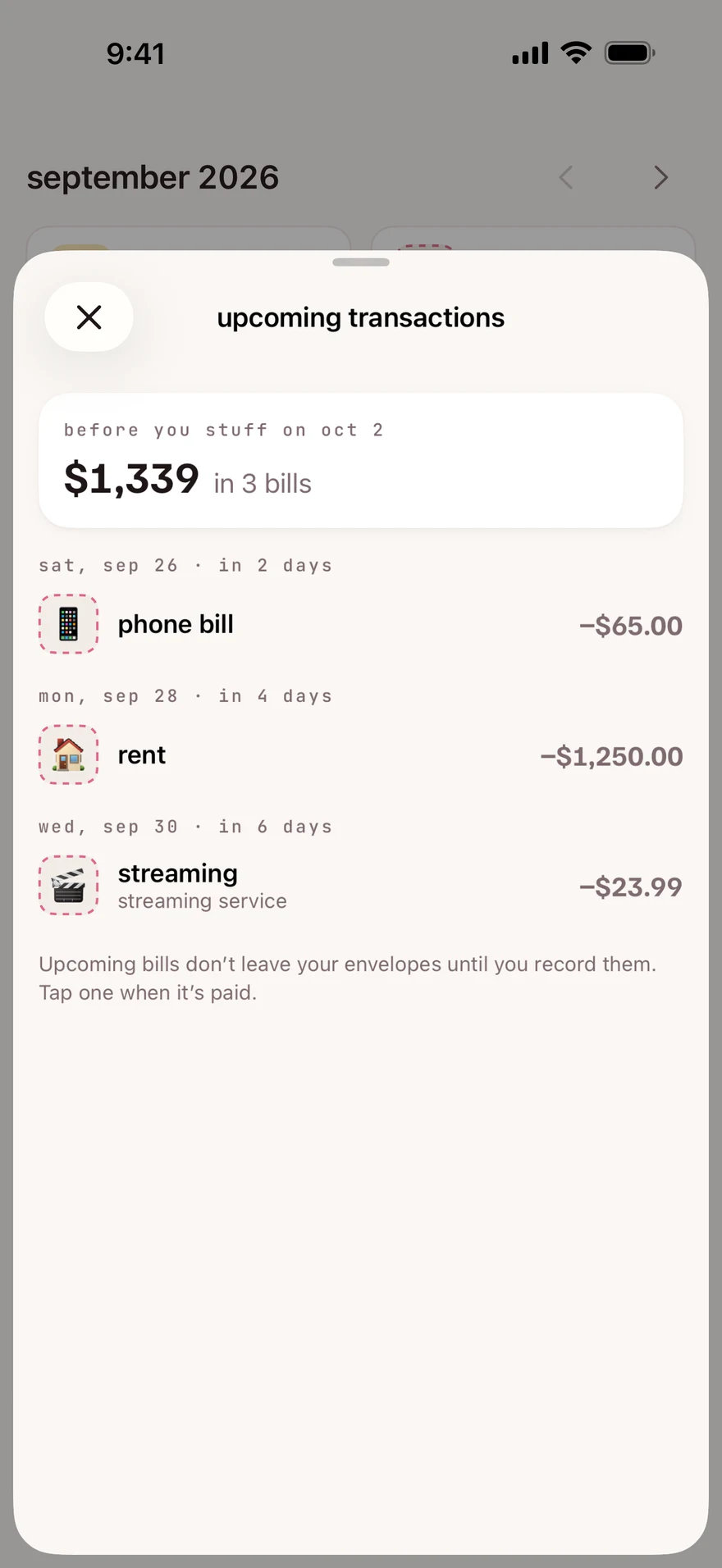
- Under the month name, above the calendar, tap upcoming transactions.
- Tap the bill you paid.
- Check the amount and the date. The date starts as today.
- Tap add transaction.
If the bill was a different amount, change it before step 5. The amount starts filled in, and new digits go on the end of it, so first tap ⌫ until it shows zero.
You’ll see expense saved. The bill leaves the list, and the envelope goes down by the amount.
You can also tap a day with a dashed outline on the calendar, then tap the bill in that day’s list.
what’s on the list
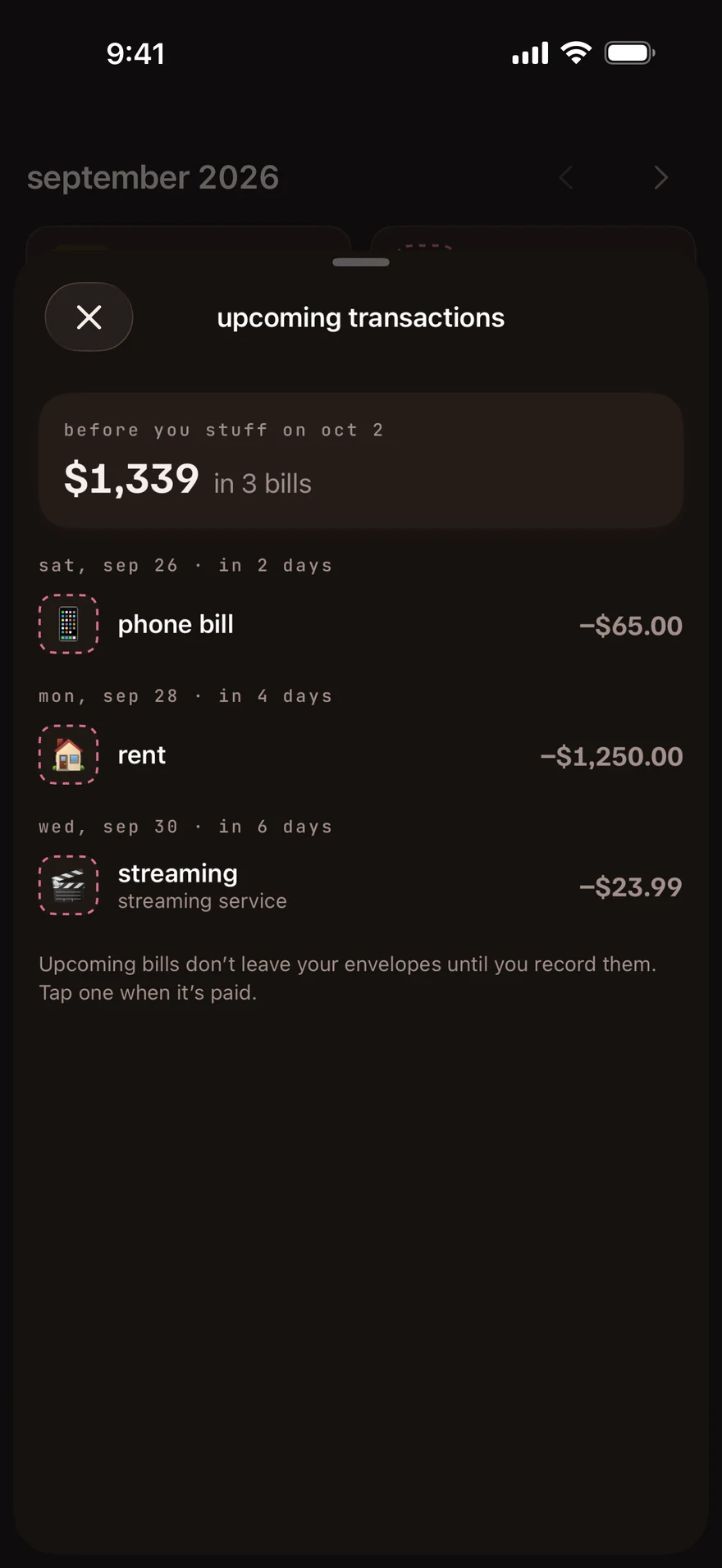
Section titled “what’s on the list”upcoming transactions shows the bills from your last stuffing up to your next stuffing day, grouped by day, with their total at the top. The heading starts with before you stuff on, followed by your next stuffing date. Below it, the app shows the total and how many bills it includes. A bill you haven’t recorded stays on the list after its day.
Bills come from a fixed envelope’s payment schedule. To set one up, see set up a bill.
what you’ll see
Section titled “what you’ll see”The list groups bills by their planned day. The total tells you what is still waiting to be recorded before you stuff again. It does not mean the money has already left your envelopes.
next step
Section titled “next step”Read the calendar marks to find your bills by day.
Checked against the app on .
did this page help?
still stuck? a real person answers.
Email us and someone from the team replies. From the app, go to settings thencontact support: it adds your user ID, so we can help faster.

