sign in and find your profile
Sign in with the method you used to create your Budget Bestie account to return to that budget.
choose your sign-in method
Section titled “choose your sign-in method”- For an Apple account, tap Sign in with Apple.
- For a Google account, tap Continue with Google.
- For an email-and-password account, tap sign in with email. Enter your email address and password, then tap sign in.
- If you are new and want an email-and-password account, tap sign up with email.
The last used chip marks the last method used on this device. It is a reminder, not a separate sign-in option.
if you forgot your email password
Section titled “if you forgot your email password”- Tap sign in with email.
- Tap forgot password? beside the password field.
- Enter the email address for your account.
- Tap reset password.
- Open the reset link in your email to choose a new password.
The app shows check your email after the request succeeds. If the message does not arrive, check your spam folder and the address you entered.
This resets a Budget Bestie email password. If you use Apple or Google, return to that sign-in button.
find the account you are using
Section titled “find the account you are using”- On envelopes, tap the … menu.
- Tap settings.
- Tap the profile card at the top, with your name or email.
what you’ll see
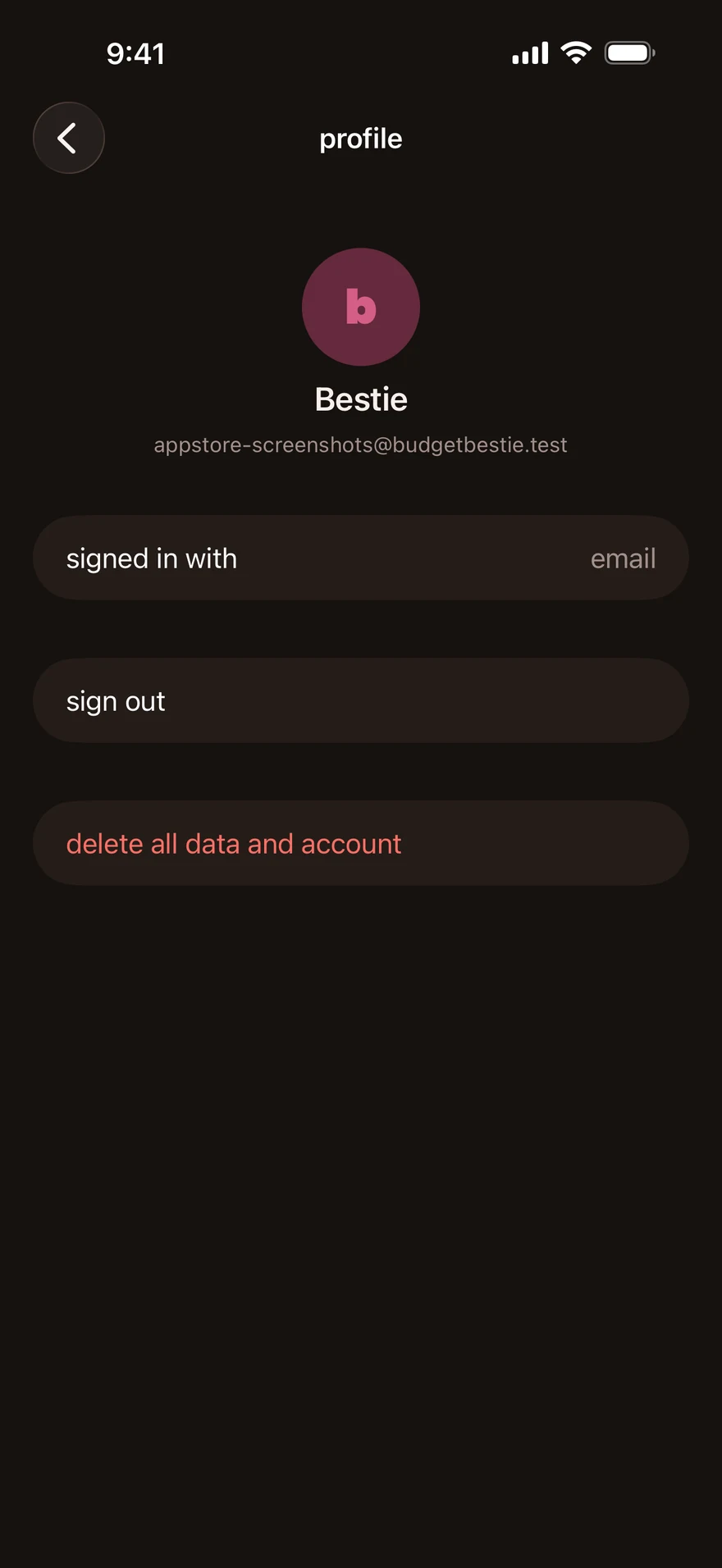
Section titled “what you’ll see”On profile, you can see your name, email and signed in with method when available. sign out returns you to sign-in. Delete your account and data explains the separate deletion action.
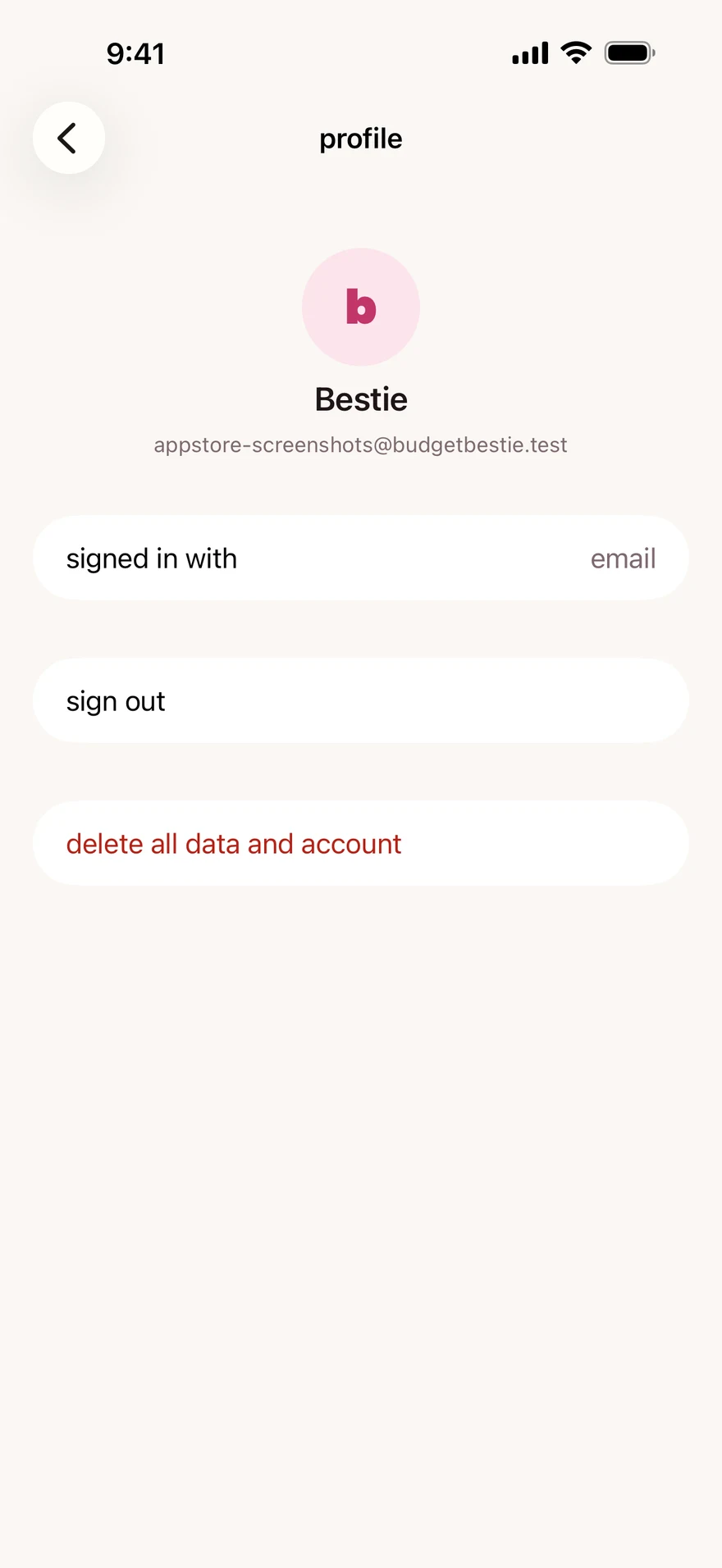
If you used Apple’s Hide My Email, your account may show an Apple relay address. Find the email on your account.
if you still cannot get in
Section titled “if you still cannot get in”Tell support which sign-in method you used and the exact error shown. If a different budget appears, tell us that too. Do not send your password or a sign-in code.
next step
Section titled “next step”Check your plan if you signed in but see a subscription screen.
Checked against the app on .
did this page help?
still stuck? a real person answers.
Email us and someone from the team replies. From the app, go to settings thencontact support: it adds your user ID, so we can help faster.

