read an envelope
Open an envelope to see its balance and the transactions that changed it.
- Tap envelopes.
- Tap the envelope you want to check.
what you’ll see
Section titled “what you’ll see”The balance card uses one word beside the amount:
| Word | Meaning |
|---|---|
| left | Money currently available in this envelope. |
| over | How far the envelope is below zero. For example, $20 over means a balance of −$20. |
| saved | Money currently in a savings envelope. If it goes below zero, the word changes to over. |
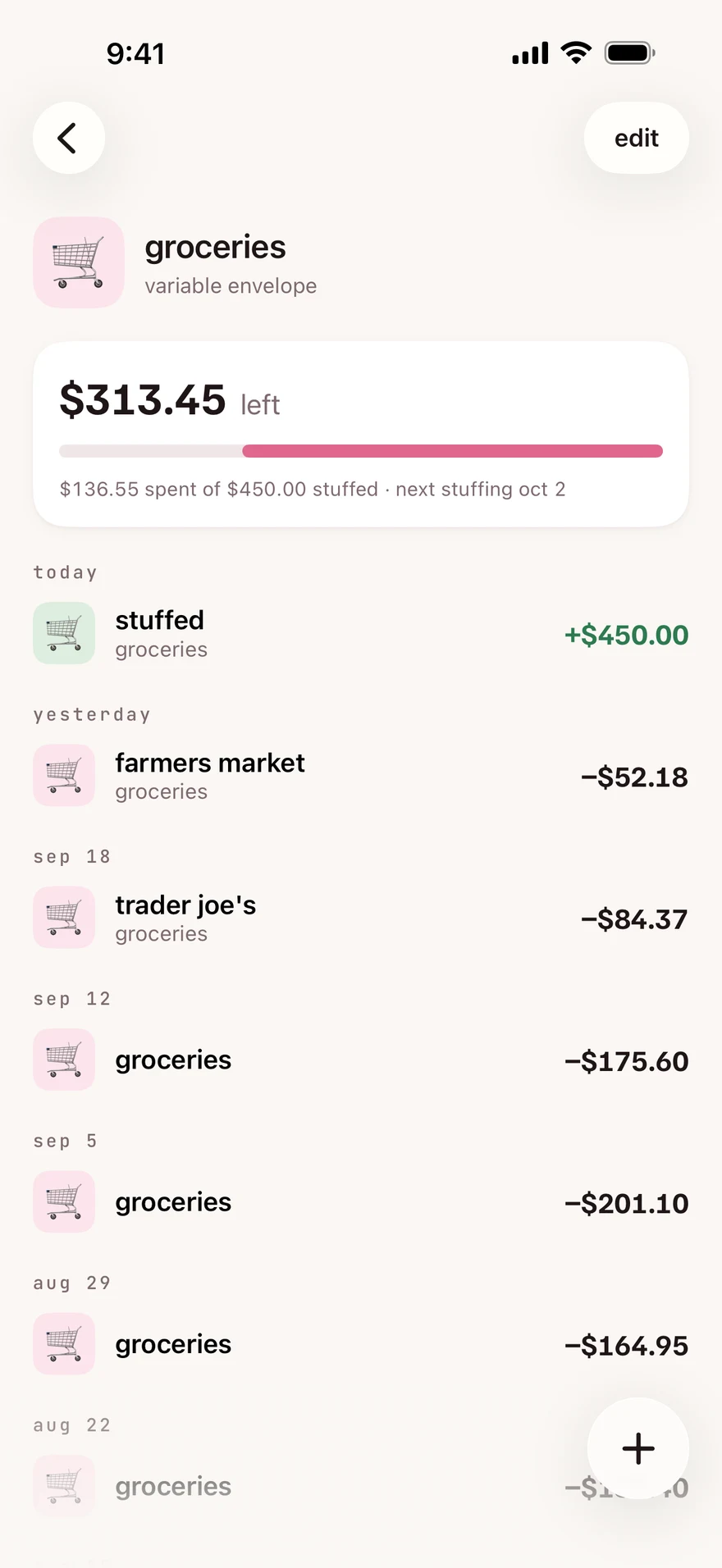
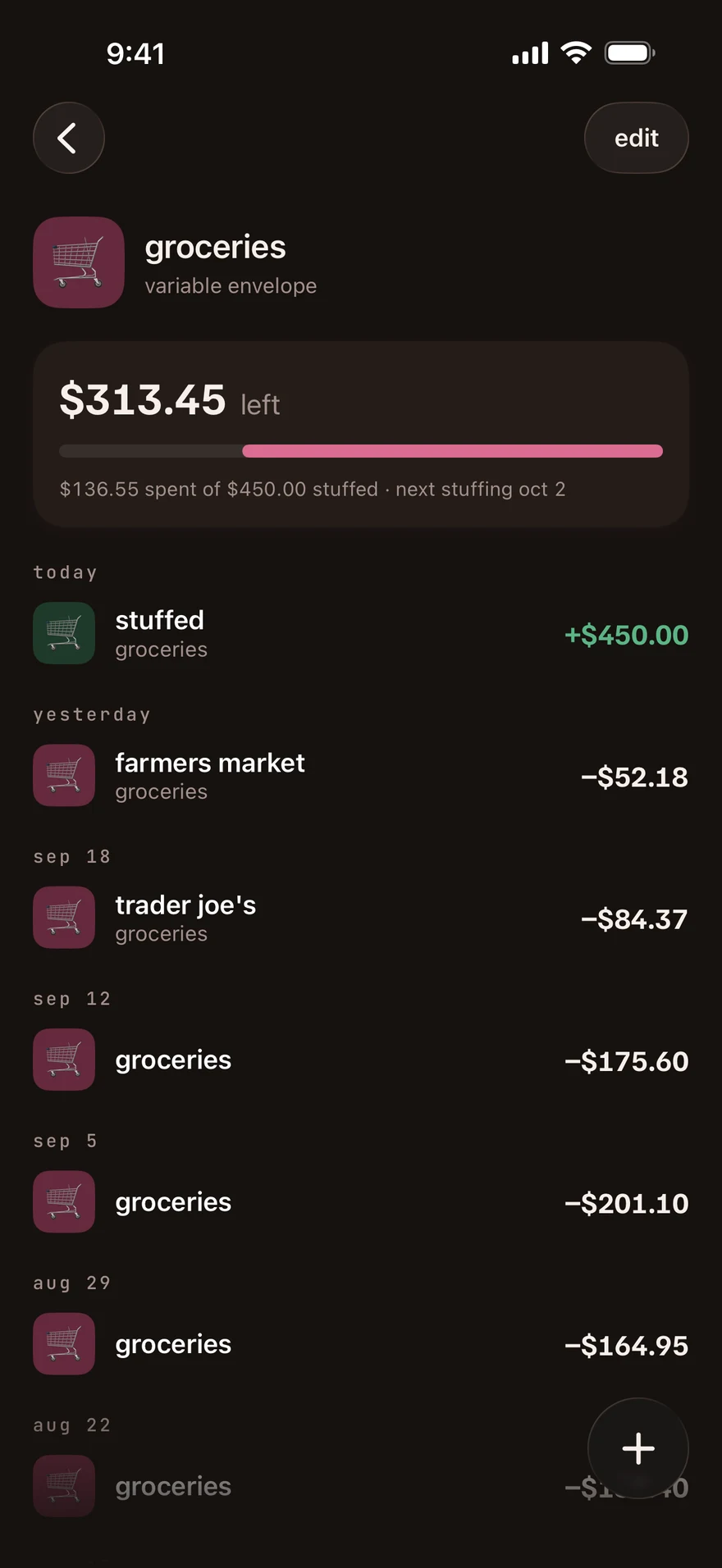
For variable and fixed envelopes, the line below compares what you spent with what you stuffed. It also shows the next stuffing date when the envelope is not overspent.
The amount left can include money carried from a previous budget, income put straight in the envelope or money moved between envelopes. It is not always the stuffed amount minus spending for this budget.
A fixed envelope with a payment schedule has a schedule card. A savings envelope with a goal shows progress toward it. Set a savings goal if you want a target.
check a transaction
Section titled “check a transaction”Scroll down to the transaction list. Tap a recorded transaction to see transaction details, where you can edit or delete it.
record something new
Section titled “record something new”Tap the floating + button. It opens an expense with this envelope already selected. Record the expense to subtract it from the envelope.
For an overspent envelope, move money opens a transfer with the amount needed to bring it back to zero already filled in.
next step
Section titled “next step”Checked against the app on .
did this page help?
still stuck? a real person answers.
Email us and someone from the team replies. From the app, go to settings thencontact support: it adds your user ID, so we can help faster.

