save toward a goal
A savings envelope keeps money for a goal. Add a goal amount to see progress, and a deadline if you want to plan toward a date.
For example, a $600 goal with $200 saved has $400 left to save. Money you stuff into that envelope adds to the $200 already there.
set a savings goal
Section titled “set a savings goal”- Open the envelope from envelopes.
- Tap edit.
- Under envelope type, choose savings envelope.
- Tap goal amount.
- Enter your target amount.
- Tap done on the keypad.
- If you want a deadline, turn on the switch under goal deadline.
- If the switch is on, choose your target date.
- Tap save envelope.
If you need a new envelope first, create one and choose savings envelope there.
what you’ll see
Section titled “what you’ll see”Open the envelope to see the amount saved and its progress toward the goal. With a deadline, the card shows the date. When a suggestion is available, it also shows how much to stuff each time.
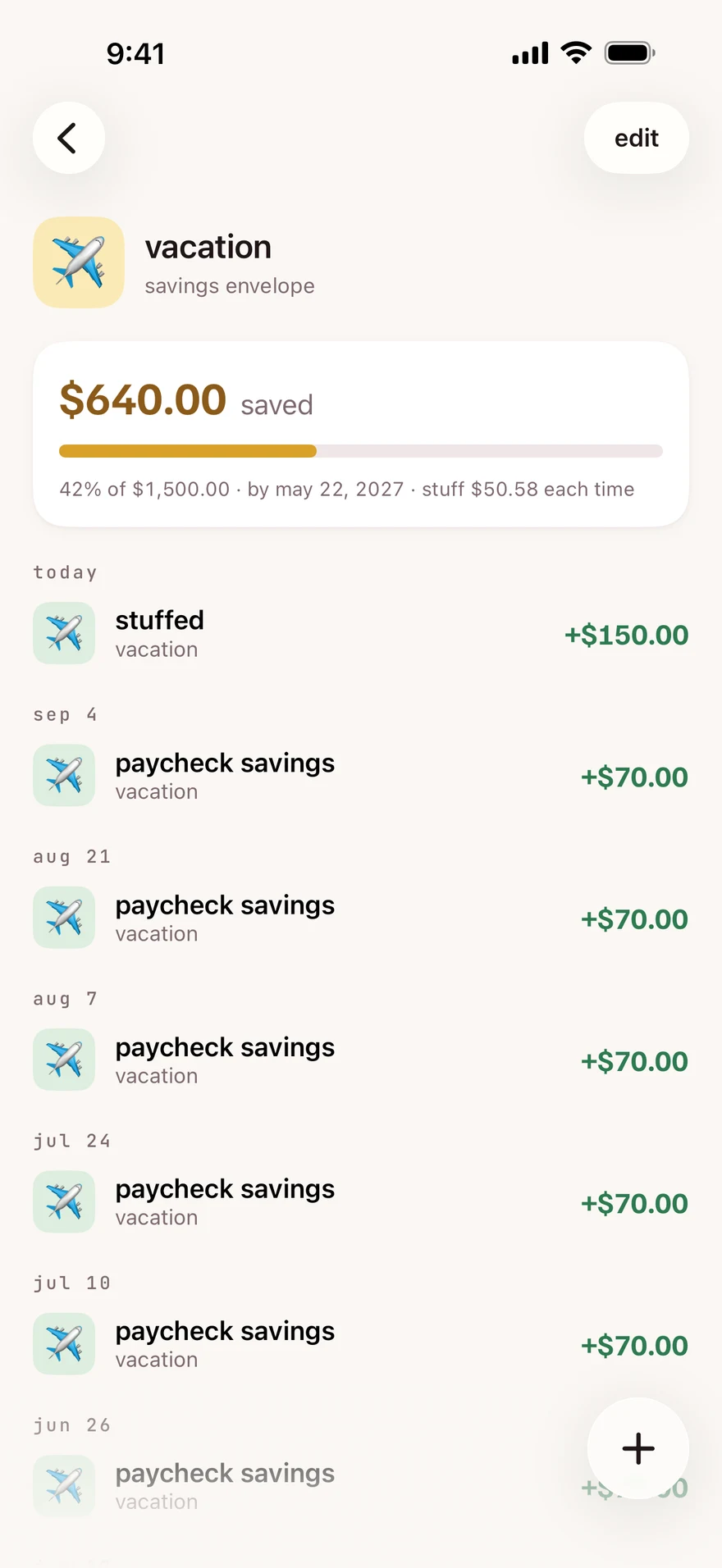
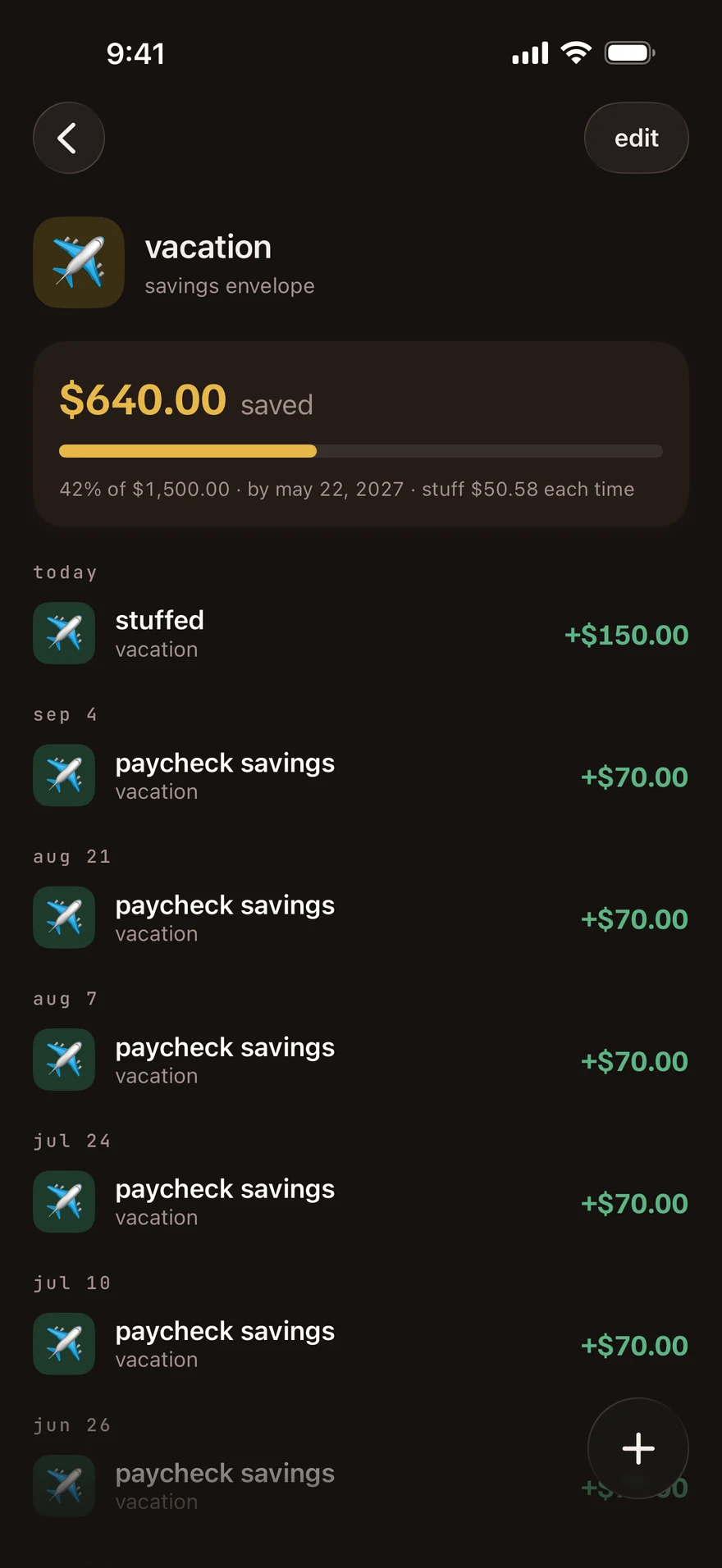
The goal is a target. Setting it does not add money to the envelope. You add money when you stuff, record income into it or move money from another envelope.
You can keep a savings envelope without a goal or deadline. Without a goal, the card says no goal set and has no goal progress bar.
If the deadline has passed and a plan is available, the card says deadline passed. The money you saved stays in the envelope.
next step
Section titled “next step”Use suggested amounts when stuffing or move money into the envelope.
Checked against the app on .
did this page help?
still stuck? a real person answers.
Email us and someone from the team replies. From the app, go to settings thencontact support: it adds your user ID, so we can help faster.

