3. your first week
During your first week, record what happens and check what is left before you spend.
find your way around
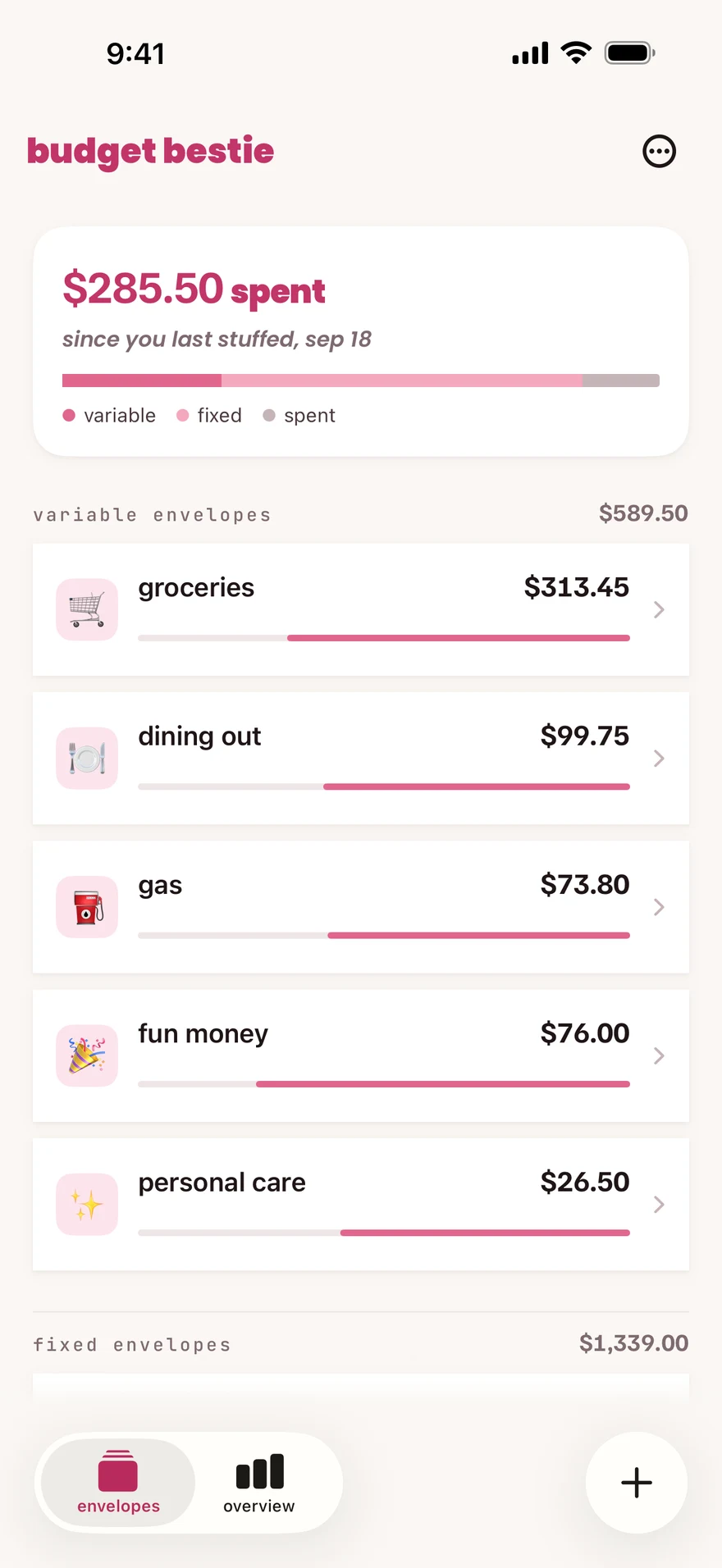
Section titled “find your way around”| Tab | What it is for |
|---|---|
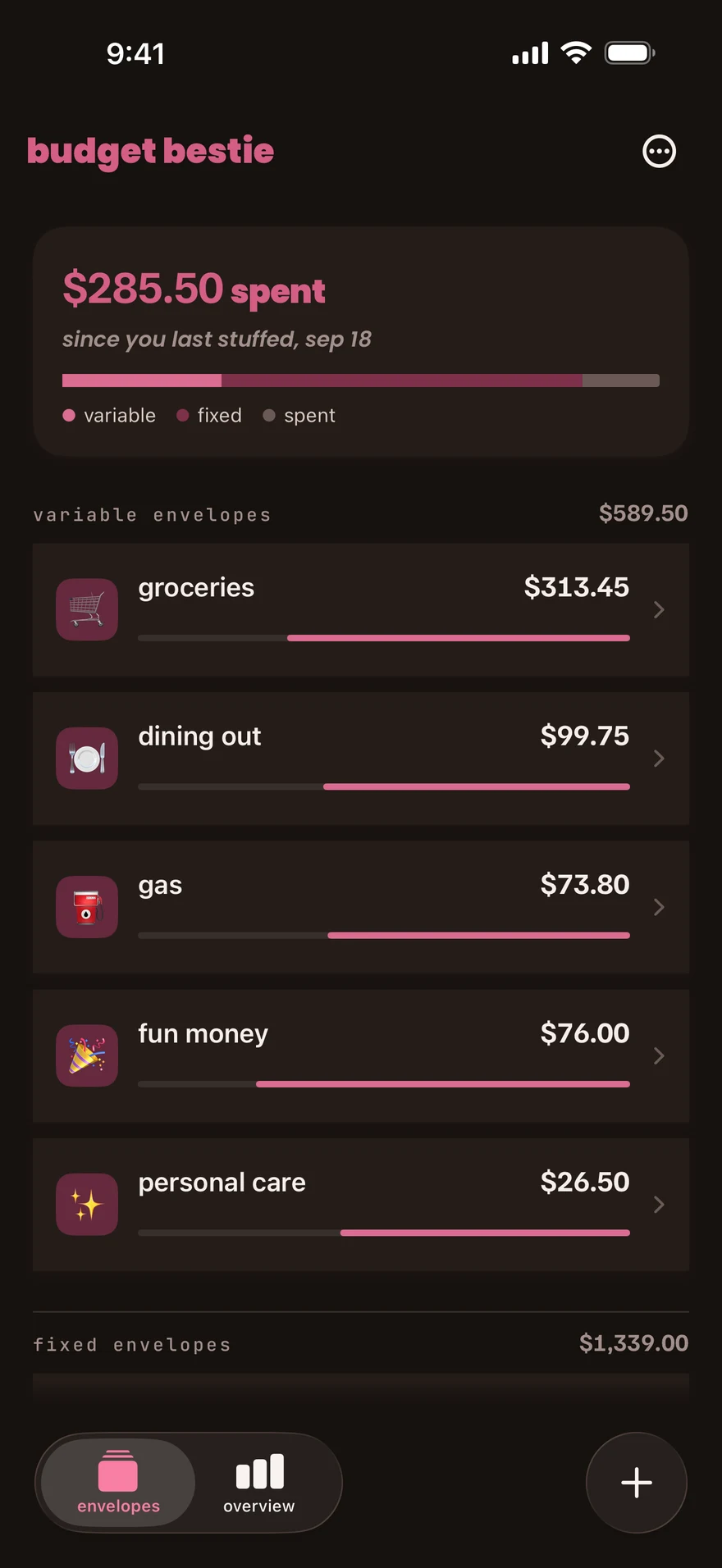
| envelopes | See your envelopes and their balances. Tap an envelope for its details. The … menu opens settings and stuff now. |
| overview | See your calendar, spend-free days, upcoming bills and money in and out. |
| +, add transaction | Record an expense, income or a transfer between envelopes. |
when you spend
Section titled “when you spend”- Check the envelope you plan to spend from on envelopes.
- After a purchase, record the expense.
The envelope goes down by the amount you record. If you choose the wrong envelope or amount, you can edit the transaction.
If an envelope goes below zero, move money in to cover it. You can adjust your plan as you go.
when money arrives
Section titled “when money arrives”Record the income. You can put it in one envelope or leave it ready for your next stuffing.
when you pay a bill
Section titled “when you pay a bill”Record it from your upcoming bills. A scheduled bill stays unpaid in the app until you record it.
at the end of the week
Section titled “at the end of the week”Open overview to read the calendar and money in and out. Check that you recorded your purchases and bills.
A spend-free day depends on the envelopes you chose. Paying a bill does not have to end one. Choose which envelopes end a no-spend day.
next step
Section titled “next step”When you are ready to budget again, stuff your envelopes. Money left in them carries forward.
Checked against the app on .
did this page help?
still stuck? a real person answers.
Email us and someone from the team replies. From the app, go to settings thencontact support: it adds your user ID, so we can help faster.

